
Guest Printing
Supported Devices
Guest printing is supported on the following types of devices:
- Desktop/Laptops:
- Windows 10/11
- Mac
- ChromeOS
- Mobile:
- iPhone
- iPad
- Android
Getting Started
Make sure you are connected to the "Horseshoe Scout Reservation". WiFi network. (If you are staff, you might be connected to the "HSR Staff" WiFi network - this is fine and you may continue with these directions.)
Go to http://print.hsr-bsa.org
You should be taken to a page that looks similar to the following, but custom to the type of device your running (windows, mac, etc.):
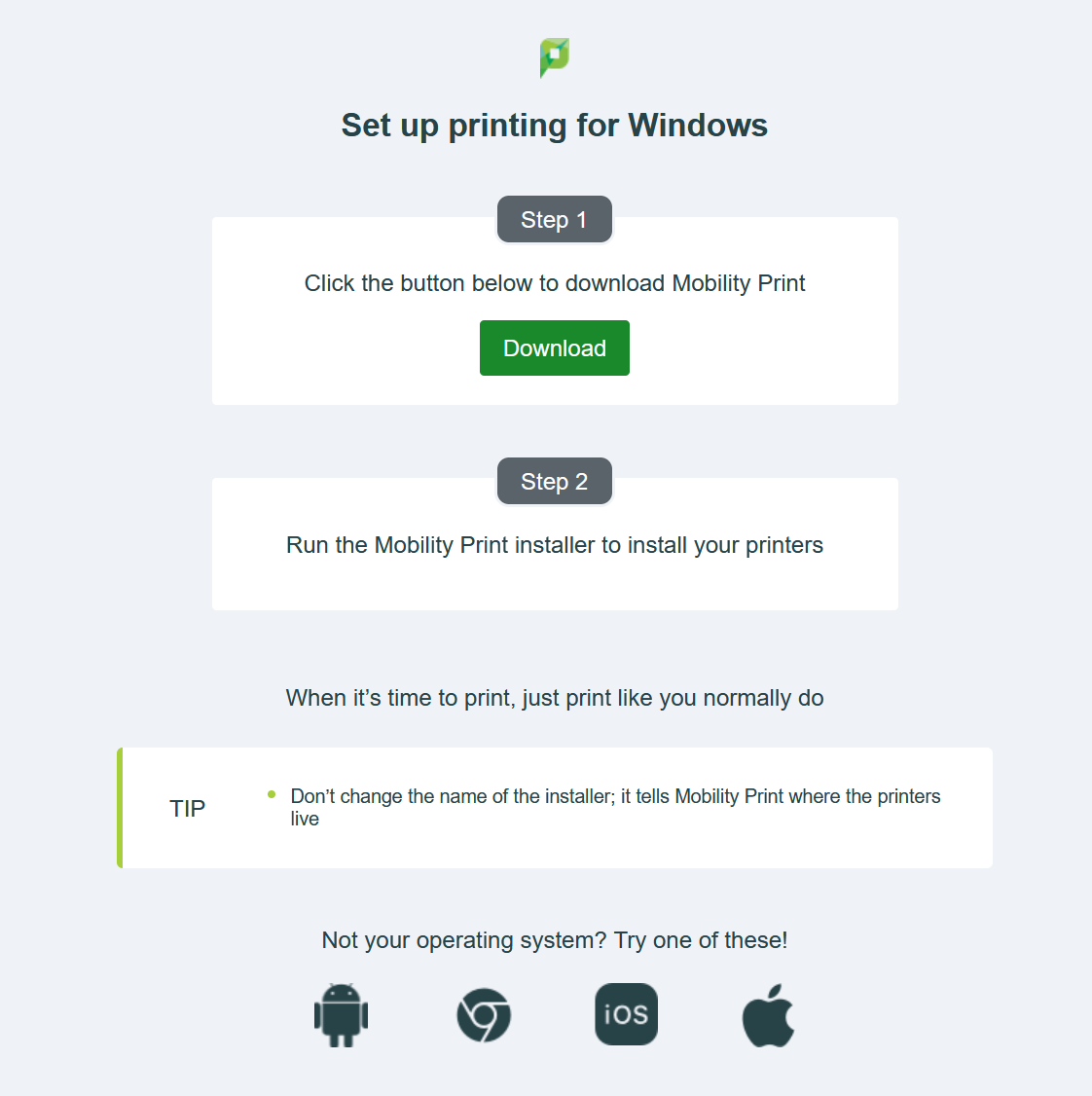
If you do not see a page similar to the above, or receive an error, try using this alternate link: http://dserv2.hsr-bsa.org:9163/setup
Once you see the screen above, follow the instruction presented for your device.